01
Familiar by design
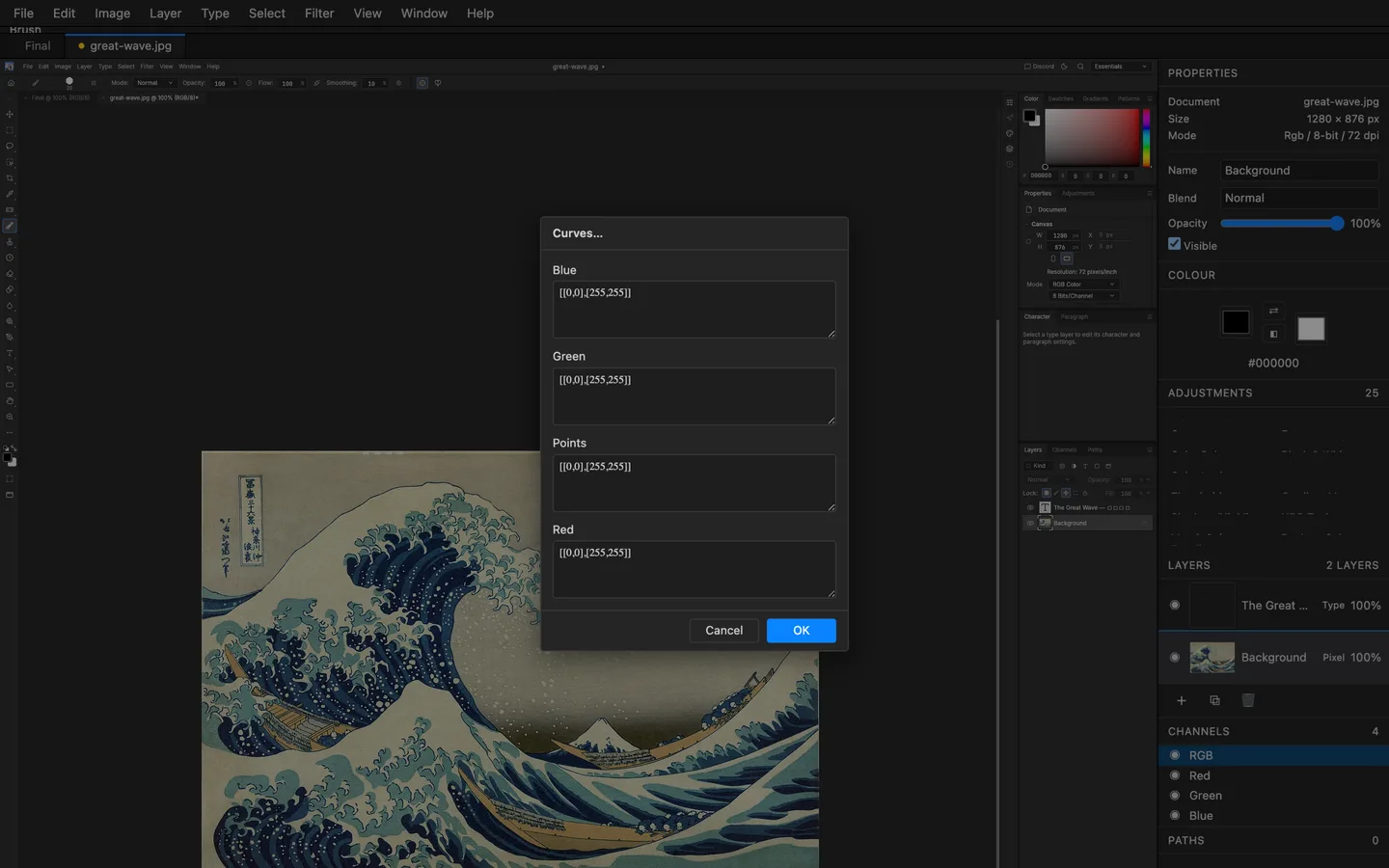
Photoshop's menus, shortcuts, tool behaviour and dialog flow — ported item by item, so muscle memory just works. Over 600 commands, all live in the web build.
01 / PhotoCraftImage editor · Early alpha
 01 PhotoCraft
Layers, masks, adjustment layers, layer styles, type, vectors and brushes — a full photo editor written entirely in Rust and compiled to WebAssembly. It opens and writes layered PSD files, needs no account, never uploads your photos, and works offline. Open the PhotoCraft editor — free and open source.
Runs in your browser — free and open source
02 / 주요 기능
01
Photoshop's menus, shortcuts, tool behaviour and dialog flow — ported item by item, so muscle memory just works. Over 600 commands, all live in the web build.
02
The whole engine is Rust compiled to WebAssembly: tiles, blending and filters run at compiled-code speed inside the tab — no plugins, no server round-trips, your pixels never leave the page.
03
Open and write layered PSDs, plus the lossless .pcraft format. Pixel masks, vector masks, adjustment layers, smart objects and layer styles round-trip faithfully.
04
Adjustment layers, live gradients, shape layers and editable type keep every decision revisitable — the history panel tracks each atomic step.
05
A JSON control protocol drives the entire app, and a hosted MCP server (mcp.artcraftweb.org) lets AI agents drive this very tab — open the editor with ?mcp=<token> and point Claude or any MCP client at it.
06
ICC color management end to end, 8/16/32-bit depths and RGB, CMYK, Lab and Grayscale documents — no format or color assumptions anywhere in the pipeline.
03 / 사용 사례
01
Open a photo, paint with brushes and erasers, dodge and burn on adjustment layers, and heal with clone and content-aware fills — then export PNG or JPEG at full quality.
02
Open layered PSDs you already have, keep their masks, adjustment layers, groups and text editable, and save back to PSD or the lossless .pcraft format.
03
Adjustment layers, layer styles, live gradients, shape layers and editable type: every decision stays revisitable, and the History panel tracks each atomic step.
04
Every action in PhotoCraft is a command on a JSON control protocol — batch edits from the CLI, drive the app from scripts, or let an agent run it for you.
04 / 사용 방법
PhotoCraft boots in the browser — no download, no account. Start an image or open a PSD straight from your device.
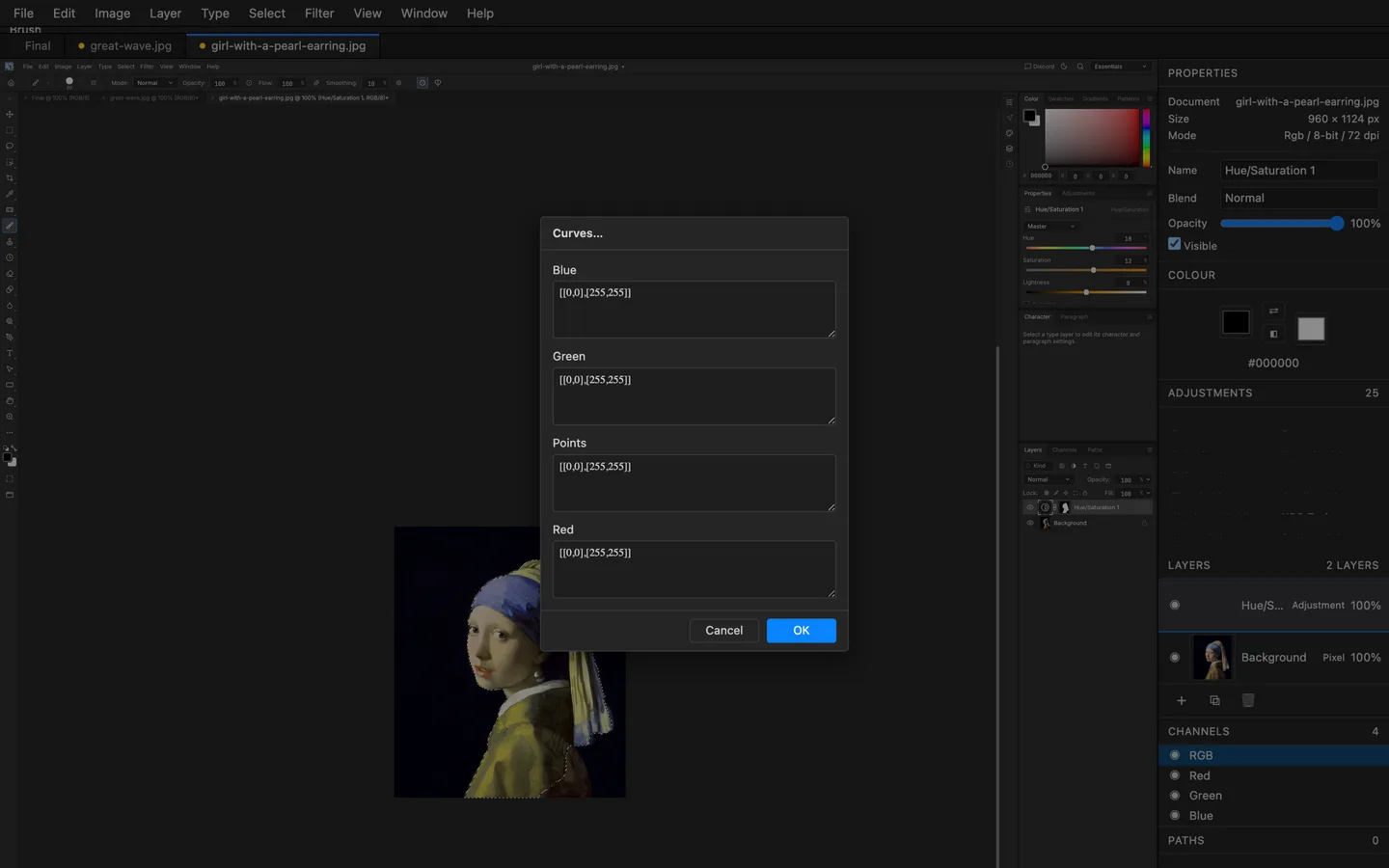
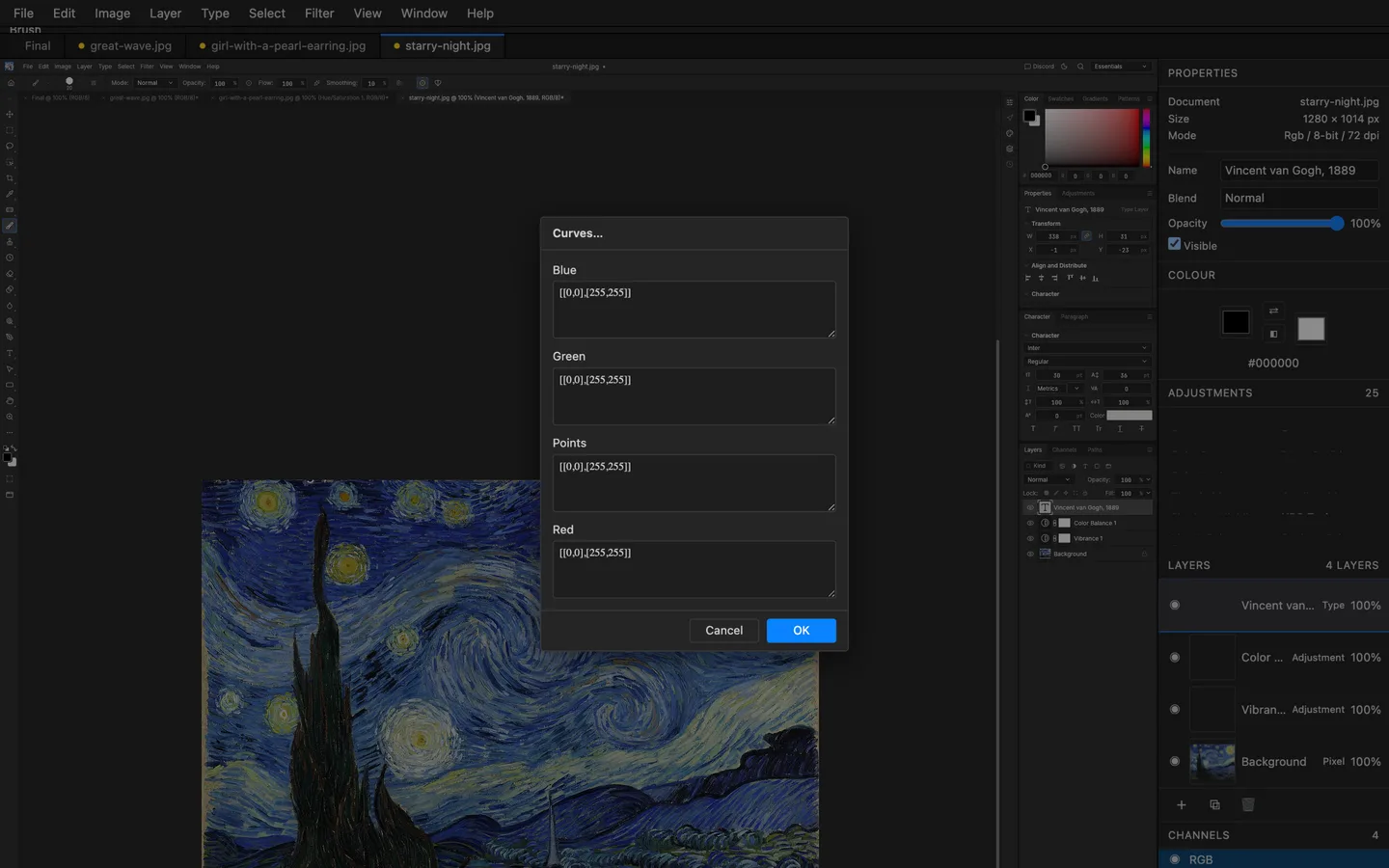
Masks, adjustment layers and layer styles stack the way you expect; every edit is one undo step and the History panel tracks each one.
Brushes, clone and content-aware fills, gradients and type — with ICC colour management and 8/16/32-bit depths throughout.
PNG, JPEG, WebP and the layered .pcraft format, all written by the engine — and the file never left your device.
05 / Formats
| Format | Support | Notes |
|---|---|---|
| Photoshop PSD | import + export | layers, masks, adjustment layers, smart objects and layer styles round-trip faithfully |
| .pcraft | import + export | the lossless native format — documented, plain data |
| PNG, JPEG, WebP | import + export | full-quality flat exports at any bit depth |
| TIFF, GIF, BMP | import | flat formats for legacy assets |
06 / 스크린샷
07 / 받기
The full engine, compiled to WebAssembly — no download, no installer, no account. It boots like a web page and edits like a native app.
편집기 실행Install it as an app from your browser and PhotoCraft keeps working without a connection — the shell, the engine and your last session are cached on your device.
Documents open from and save straight back to your device, and autosaves live in your browser's private storage. Nothing is uploaded — there is no server to upload to.
08 / 자주 묻는 질문
Yes. PhotoCraft is free and open source under MIT OR Apache-2.0. The web app needs no account and has no paid tiers — the same engine also ships as native desktop builds.
Yes. PhotoCraft reads layered Photoshop PSD files and writes them back, alongside its own lossless .pcraft format. Open one in the browser editor — no install, and the file never leaves your device.
Yes. Install PhotoCraft as an app from your browser and the shell, the engine and your last session are cached on your device; editing continues without a connection.
No. The editor runs in the tab, and documents open from and save back to your device; autosaves live in your browser’s private storage. There is no server to upload to.
Yes. Open the editor with ?mcp=<token> and point any MCP client at mcp.artcraftweb.org/mcp?token=<token> — Claude and other agents can then run every command, inspect the document and export, exactly like a user. The same control protocol also works from scripts.
Chromium-based browsers, Firefox and WebKit (Safari) — verified by an automated suite that boots the editor and drives edits in each engine.
Layer groups and blending modes, pixel and vector masks, adjustment layers, layer styles, smart objects, type and shapes — the layer stack behaves the way Photoshop muscle memory expects.
09 / 제품군
PhotoCraft is one of a family of open crafting tools.
Early alpha — issues, art and edge cases all welcome.
GitHub에서 기여